DownloadKit browser extension
Download from Instagram, TikTok, X, Facebook, Pinterest and more without leaving the page.
- Add to Chrome · Coming soon
- Add to Edge · Coming soon
- Add to Firefox · Coming soon
Store rules don't allow YouTube downloads inside Chrome and Edge extensions, so YouTube links open on the DownloadKit website instead.
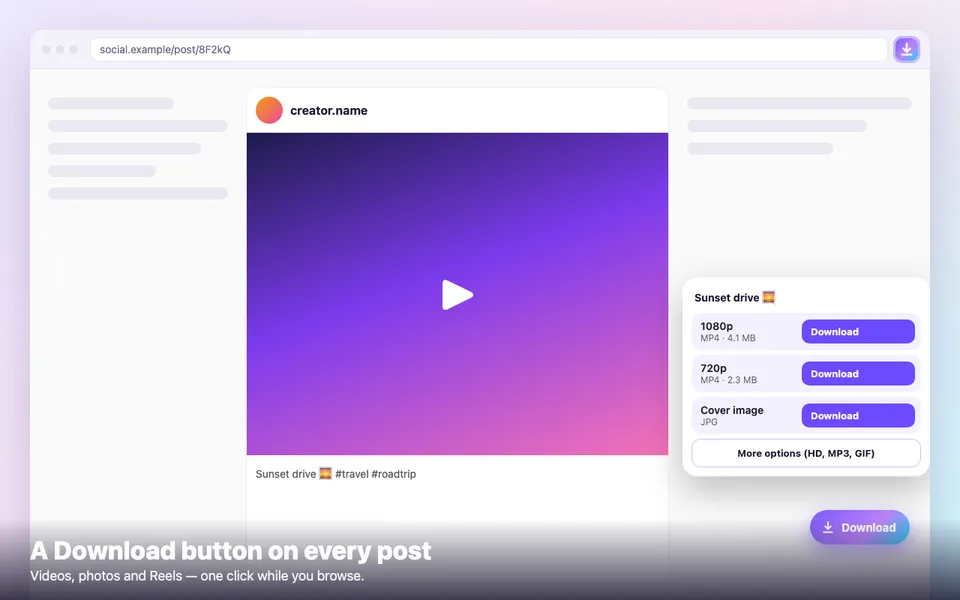
One-click Download button
A Download button appears on posts, Reels and videos while you browse.
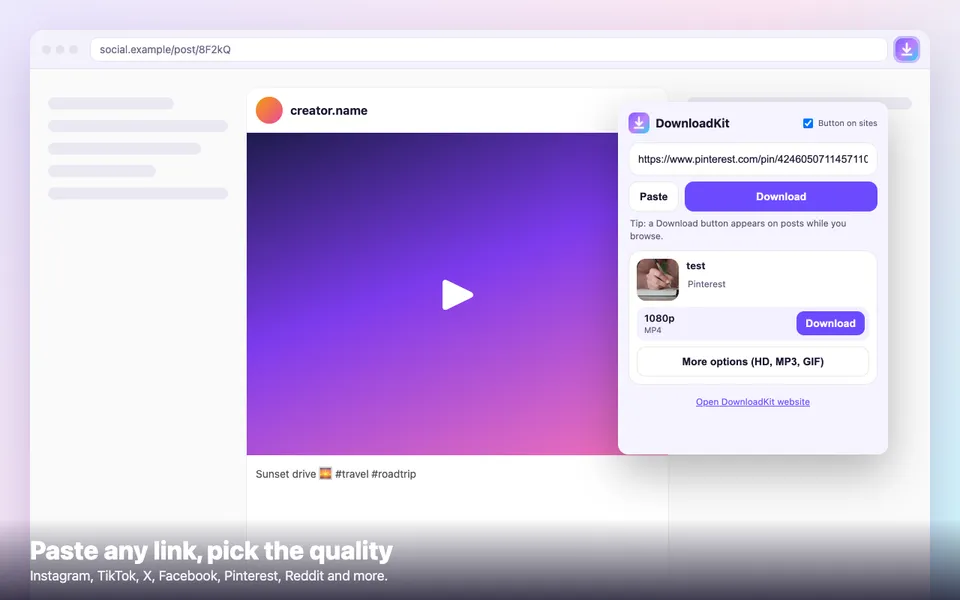
Paste & download from the toolbar
Click the DownloadKit icon, paste any link and pick the quality.
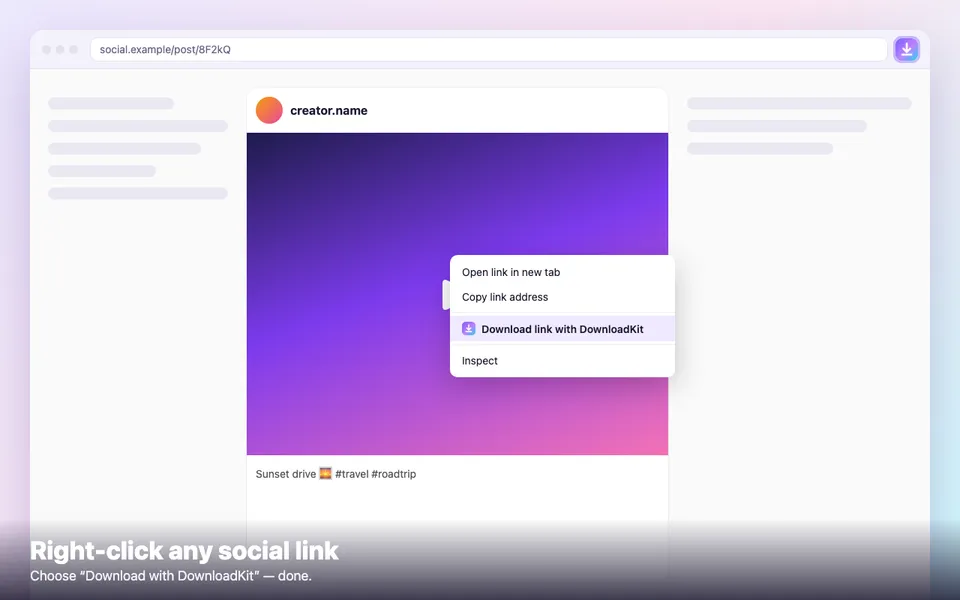
Right-click any link
Right-click a social media link and choose “Download with DownloadKit”.
Private and lightweight
No account, no tracking, no ads injected into pages. Under 50 KB.
No extension? Use the bookmarklet
One tap on any post page sends it to DownloadKit. Works in Safari on iPhone and iPad, and in every browser.
Drag this button to your bookmarks bar:
↓ DownloadKitOn iPhone/iPad: bookmark any page, then edit the bookmark and replace its address with the code below.
javascript:(()=>{location.href='https://downloadkit.vercel.app/?url='+encodeURIComponent(location.href)+'&source=bookmarklet'})()How to install
- 1Click the button for your browser.
- 2Choose “Add extension” in the store.
- 3Pin DownloadKit to your toolbar and start downloading.